
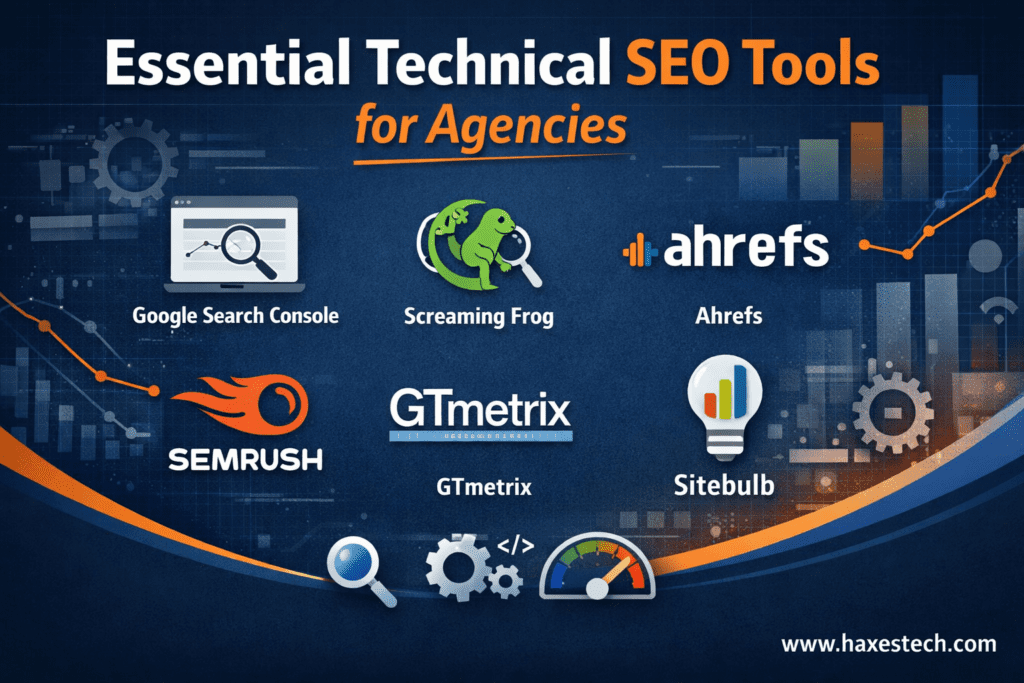
Understanding the technical side of a website is like checking the engine of a car. If the engine isn’t working right, it doesn’t matter how pretty the car looks; it simply won’t go far. In the world of digital marketing, choosing the right essential technical seo tools for agencies is what separates a successful project from one that disappears on the tenth page of search results. While many people focus only on writing blog posts, experts know that site structure, speed, and indexing are the real foundation of organic growth.
Why Technical SEO is the Backbone of Your Strategy
In my years of working on the backend of complex websites, I have learned that technical SEO is a constant process. It is much more than just adding meta tags or making a page load quickly. For a modern agency, trying to check everything manually is a recipe for disaster. The internet is simply too big now. We need advanced systems to maintain a website’s health and find deep problems that the human eye might miss.
These tools help us look for “invisible” issues, such as crawling and indexing problems. If Google can’t find your page, your customers won’t either. By using high-quality platforms, agencies can check the site structure and keep an eye on Core Web Vitals. These are specific signals Google uses to see if a user is having a good experience. If your site has “flickering” layout shifts or slow response times, your rankings will tank before you even realize there is a problem.
12 Best Technical SEO Tools for Professional Agencies
To stay ahead of the competition, agencies need to manage thousands of links across many different clients. We move away from guessing and instead use data that we can measure. This allows us to automate audits and make reporting much easier for our clients. Here are the best technical seo tools that every agency should have in their toolkit.
1. Google Search Console
This is perhaps the most important seo technical audit tools available. It comes directly from Google and gives you “inside” information. You can see exactly which pages are indexed, find crawl errors, and check your keyword performance. It has recently been upgraded to be even more efficient, allowing agencies to compile data over many months so that nothing is lost.
2. Screaming Frog SEO Spider
If you were to look at a professional’s computer, you would likely see Screaming Frog running. It is a powerful website crawler that acts like a stethoscope for a site’s health and It scans thousands of URLs to find broken links, duplicate content, and server errors. It is also great for checking page titles and finding images that are too large and slowing down the site.
3. Google Analytics
While Search Console tells you how Google sees your site, Google Analytics tells you how humans use it. It is the bedrock of understanding site performance. For agencies, the best part is the automatic generation of monthly reports. It saves hours of manual work and provides clear, visual data to show clients how their investment is paying off.
4. Ahrefs & Linkody for Link Management
Link building is vital, but you have to do it right. Tools like Ahrefs help with a technical audit and show you internal linking gaps. Meanwhile, Linkody is perfect for tracking your link profile. It sends email alerts if you lose a link or if a competitor gains a new one. While some people try to get backlinks from forums, a professional agency uses these tools to ensure all links are high-quality and safe.
5. PageSpeed Insights & Lighthouse
Google uses these “gold standard” tools to measure how fast a site is. They help us find the specific “slow” elements on a page-like a heavy script or an unoptimized video-that are frustrating your visitors.
6. SEMrush Site Audit
SEMrush is famous for monitoring errors. It flags things like HTTPS security problems, schema markup issues, and “crawl waste” (when Google spends time on useless pages). It creates very clean reports that are easy for clients to read and understand.
7. GTmetrix
For a very deep look at loading times, GTmetrix provides a “Waterfall” chart. This shows exactly how every second of loading time is spent across different devices and locations. It’s perfect for pinpointing heavy scripts that need to be removed or delayed.
8. Siteliner
Internal health matters just as much as external links. Siteliner helps us find duplicate content. Having the same text on many pages is often seen as a “black hat” technique, and Google might penalize your site for it. Siteliner helps us clean this up quickly.
9. Google Mobile-Friendly Tool
Almost everyone uses a smartphone to search these days. This tool gives you a simple “Yes” or “No” on whether your site works well on mobile. If it doesn’t, your site won’t rank, no matter how good your content is.
10. Web Developer Toolbar
Sometimes, you have to look “under the hood.” This browser extension allows us to turn off JavaScript or CSS to see if the site still works. It helps us find broken images or missing “alt text” that helps search engines understand what a picture is about.
11. WordStream
Keywords are the start of every search. WordStream helps us find “high volume” keywords that have “low competition.” This means we find words that many people are searching for, but not many businesses are targeting yet. It’s a great way to find “quick wins” for a client.
12. Microsoft Excel
It might seem old-fashioned, but Excel is still a giant in the SEO world. When you have data from ten different tools, you need a place to put it all together. Agencies use Excel to compare data and find patterns that a single tool might miss.
Why Expert Planning Matters More Than the Tools
Having the essential technical seo tools for agencies is only half the battle. The other half is having the experience to know what the data means. A piece of software can tell you that a page is slow, but it takes an expert to know how to fix it without breaking the rest of the website.
A professional agency provides expert-level planning. We don’t just “fix things”; we engineer a site to thrive. This high-tech approach leads to measurable, long-term growth. Choosing a professional team means you are avoiding the expensive technical errors that often happen with a “DIY” approach.
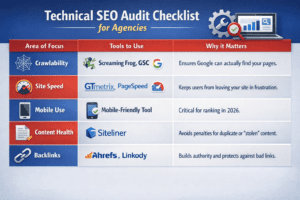
Technical SEO Audit Checklist for Agencies
| Area of Focus | Tools to Use | Why it Matters |
| Crawlability | Screaming Frog, GSC | Ensures Google can actually find your pages. |
| Site Speed | GTmetrix, PageSpeed | Keeps users from leaving your site in frustration. |
| Mobile Use | Mobile-Friendly Tool | Critical for ranking in 2026. |
| Content Health | Siteliner | Avoids penalties for duplicate or “stolen” content. |
| Backlinks | Ahrefs, Linkody | Builds authority and protects against bad links. |
Need Expert Technical SEO? Caspi Marketing Can Help
If your website is struggling with speed, structure, or indexing, you don’t have to fix it alone. Caspi Marketing provides effective solutions to get your site back on track. Our team uses the best industry tools and years of hands-on experience to perform a professional technical SEO audit.
We don’t just look at the surface; we fix the foundation of your website to ensure you have success for a long time. Contact Caspi Marketing today to improve your visibility and reach the top of the search results.
Accuracy and Actionable Results
The goal of using these platforms is to improve auditing accuracy and remove the “guesswork” from digital marketing. By identifying hidden performance issues and providing clear solutions, agencies help their clients grow. In a world where Google’s standards are always changing, having a robust toolkit and an expert team is the only way to stay at the top. Using seo technical audit tools ensures that every technical hurdle is cleared with precision, turning raw data into a clear path for business success.
If you’re facing international expansion on a limited budget, Haxestech can help. We provide the backlink analysis, local keyword research, and translations needed to dominate international SERPs. Stop wasting money on paid search and start fixing your bounce rates and search behavior through expert website content. Let’s turn those leads and traffic into conversions.
Technical SEO FAQs
What are the best technical SEO tools for agencies?
Top-performing agencies typically rely on a “power stack” of tools to handle different aspects of site health.
- Crawlability: Screaming Frog or Sitebulb for deep site architecture audits.
- Search Performance: Google Search Console for indexing and direct Google data.
- Speed: PageSpeed Insights, Lighthouse, and GTmetrix for Core Web Vitals.
- Backlinks: Ahrefs or Linkody to monitor authority and link health.
Why are technical SEO audit tools necessary for large websites?
When managing sites with thousands of URLs, manual reviews are impossible. Audit tools automate the detection of “invisible” issues like 404 errors, duplicate content, and server vulnerabilities. For agencies, these tools also provide quantifiable data that makes client reporting faster and more accurate.
Should I get backlinks from forums?
While forum backlinks can drive niche traffic, they should be used sparingly. Most forum links are “no-follow,” meaning they don’t pass much ranking power. If overdone, they can look like spam to Google. Focus on high-quality, relevant discussions rather than bulk link placement.
How often should an agency perform a technical SEO audit?
For active clients, a comprehensive technical audit should be performed at least once per quarter. However, automated error monitoring (using tools like SEMrush or ContentKing) should happen weekly to catch sudden issues like server downtime or broken redirects before they impact rankings.